
AMPC Delivery Teams in New Delhi: Last Known Location When a Vehicle Goes Offline
A last known location is the final position a device successfully reported before it stopped updating. It shows where the vehicle was at that moment, not where it is now. For deliv
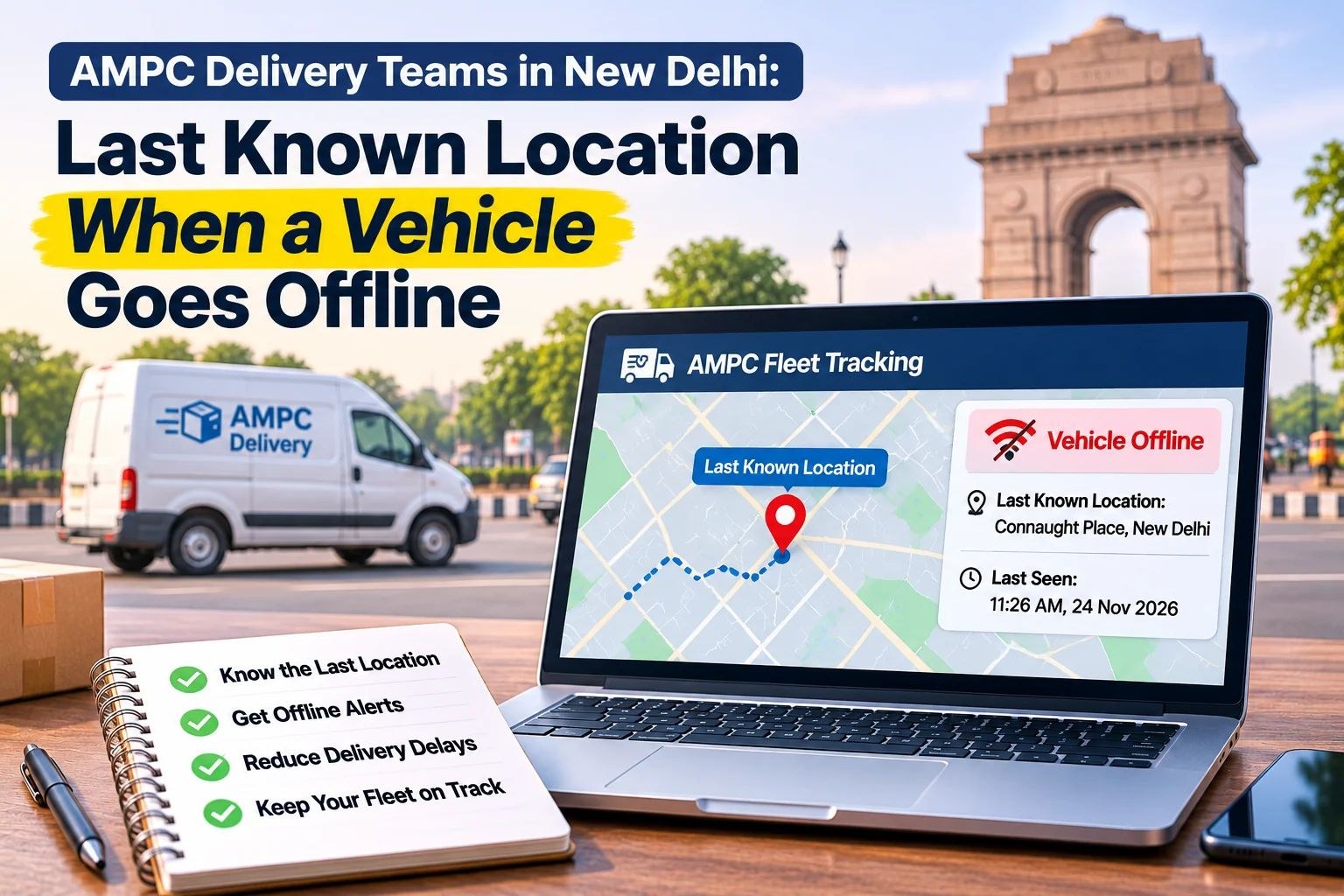
AMPC Delivery Teams in New Delhi: Last Known Location When a Vehicle Goes Offline
A last known location is the final position a device successfully reported before it stopped updating. It shows where the vehicle was at that moment, not where it is now. For delivery teams working around AMPC Delivery in New Delhi, that single timestamped pin is often enough to decide whether a vehicle has simply entered a coverage gap or whether something deserves a closer look.
The practical outcome is a short, repeatable response: read the timestamp, compare it with the expected route, and hold or escalate on a written rule. Doing this well starts with separating two things that look identical on screen but are not the same.
What the last known location actually tells dispatch
The value of a last known location depends almost entirely on how fresh the timestamp is. A pin that froze a few minutes ago near a market approach road suggests the vehicle is probably close by and still working through its run. A pin that froze much earlier at the depot gate points to a change worth checking. Dispatchers who read the time before the pin avoid most false alarms, because a stale pin beside a known shadow area is routine, while a fresh pin that stops updating mid-corridor is the one to question.
Reading a position this way is easier when the real-time vehicle tracking view shows when the position was last reported, not just where it was. A mapping tool that keeps the report time visible lets a dispatcher judge staleness in one glance instead of opening a separate record. For a team handling several vans at once, that small detail decides whether the next action is a phone call or nothing at all.
Device offline versus GPS signal lost
These two terms get used interchangeably, and that is where much of the confusion begins. Device offline means the tracking unit has not completed a successful upload to the platform within the expected reporting window. GPS signal lost means the unit cannot get a position fix from satellites at that moment. A device can be online and still have no position to send, and a device can lose its network link while holding a perfectly good satellite fix.
The distinction matters because the fixes are different. A position fix problem usually clears once the vehicle leaves the obstruction, such as a basement loading bay, an underpass, or a tight row of tall buildings. A network problem may need a check of the SIM, the data plan, or the wiring. Offline alert settings are also configuration-dependent in any tracking system, so the same event can raise an alert on one setup and pass quietly on another. The GPSController FAQs cover related questions about location reliability and alert behaviour and are a reasonable starting point when a team is unsure how its own rules are set.
Steps to take when a vehicle drops off the map
A fixed sequence keeps the response calm and consistent, especially during a busy delivery window. Each step should be short enough to complete while other vehicles are still moving.
Read the report time on the last known location and note how many minutes have passed.
Place that position against the planned route and the assigned delivery stops.
Check whether other vehicles on the same stretch are also missing reports, which points to coverage rather than the individual unit.
Compare the gap against your written hold time before contacting the driver.
If the hold time has passed, call the driver once and log the outcome with the position and duration.
When the vehicle returns, confirm the new position matches the expected route or stop, and close the entry.
Steps three and six carry most of the diagnostic weight, and they are the ones most often skipped. A pattern across vehicles tells you about the area. A pattern on one vehicle tells you about that unit. Neither answer comes from the alert feed alone.
Why an offline status is not a theft alarm on its own
An offline status is a gap in data, not proof of theft or tampering. Most gaps close on their own within minutes and leave the vehicle exactly where the route expected it. Treating every offline flag as a possible theft sets off a cycle of anxious calls, and drivers learn to ignore them while driving, which is the opposite of what anyone wants on a delivery route.
Repeated gaps confined to one vehicle at the same spot, whatever the alert threshold, are the signal worth acting on, because no dashboard setting repairs an antenna mounting or a unit that will not hold a connection. The same applies to a vehicle that stays dark well past any plausible coverage gap while others nearby keep reporting. That is a prompt for a physical check, not a conclusion about what happened. Keep a simple log of each event with its duration and location so a later customer query can be settled with a record instead of a memory, and line the geofencing alerts up with the dead zones your own routes actually cross.
Practical checks for evaluating offline and last-known-location handling
Whether you are reviewing your current setup or comparing options, the same handful of criteria separate a workable system from one that just adds noise. A vendor with a managed-review workflow may also be worth asking about, since who owns the alert matters as much as how it fires.
Report time is visible next to position, so staleness can be judged without extra clicks.
Offline rules can be set per vehicle group or route, not only across the whole fleet.
Position history is retained long enough to review a gap after the fact and support a customer dispute.
An owner and a written hold time are assigned to the alert feed, because unassigned alerts go unread.
For example, if a van goes quiet for a few minutes under a basement ramp during peak hour, the team should be able to see the gap, log it, and carry on without a recovery call.
The useful next step is to write down your own hold time, the routes that regularly cross weak areas, and the questions you would ask any provider about offline rules and position history. A short checklist prepared before the next shift prevents the guesswork that turns a routine signal gap into a long evening.
Ready to Put This Into Practice for Your Fleet?
GPS Controller supplies commercial 4G GPS trackers, fuel sensors, AI dashcams, cloud tracking software (Web, Android & iOS), and turnkey white-label reseller platforms.
Telematics & fleet technology team at GPS Controller (Sector 62, Noida, India), publishing technical guides on commercial GPS hardware, fuel monitoring, cloud fleet software, and white-label GPS platforms.
Related Telematics Guides
GPS Signal Delay Causing Fleet Tracking Failure
GPS Signal Delay Causing Fleet Tracking Failure GPS signal delay in dense urban areas and under heavy canopy cover causes fleet tracking failure by producing stale location data that does not reflect actual vehicle positions. For connected...
GPS Controller IDC AI spend 1.3 trillion 2029 fleet management core segment 2026
GPS Controller IDC AI spend 1.3 trillion 2029 fleet management core segment 2026 Fleet management in 2026 is the core segment staring down real consequences from the projected $1.3 trillion global AI spend by 2029. GPS signal delay—from inc...
GPS Controller free trial no contract setup in 10 minutes India 2026
GPS Controller free trial no contract setup in 10 minutes India 2026 Fleet managers across India are turning to the GPS Controller free trial no contract setup in 10 minutes India 2026 offer to resolve last-mile connectivity gaps without lo...
GPS Controller Real Time Ignition Engine Hours Total Movement Dashboard 2026
GPS Controller Real Time Ignition Engine Hours Total Movement Dashboard 2026 Operators relying on a GPS Controller real time dashboard for ignition engine hours compared to total movement data in 2026 are encountering persistent tracking fa...