
Gopal Nagar Fleet Owners: Last Known Location When a Vehicle Goes Offline
Last known location when a vehicle goes offline is the final position the device successfully reported before updates stopped, and it always carries a timestamp. That timestamp mat
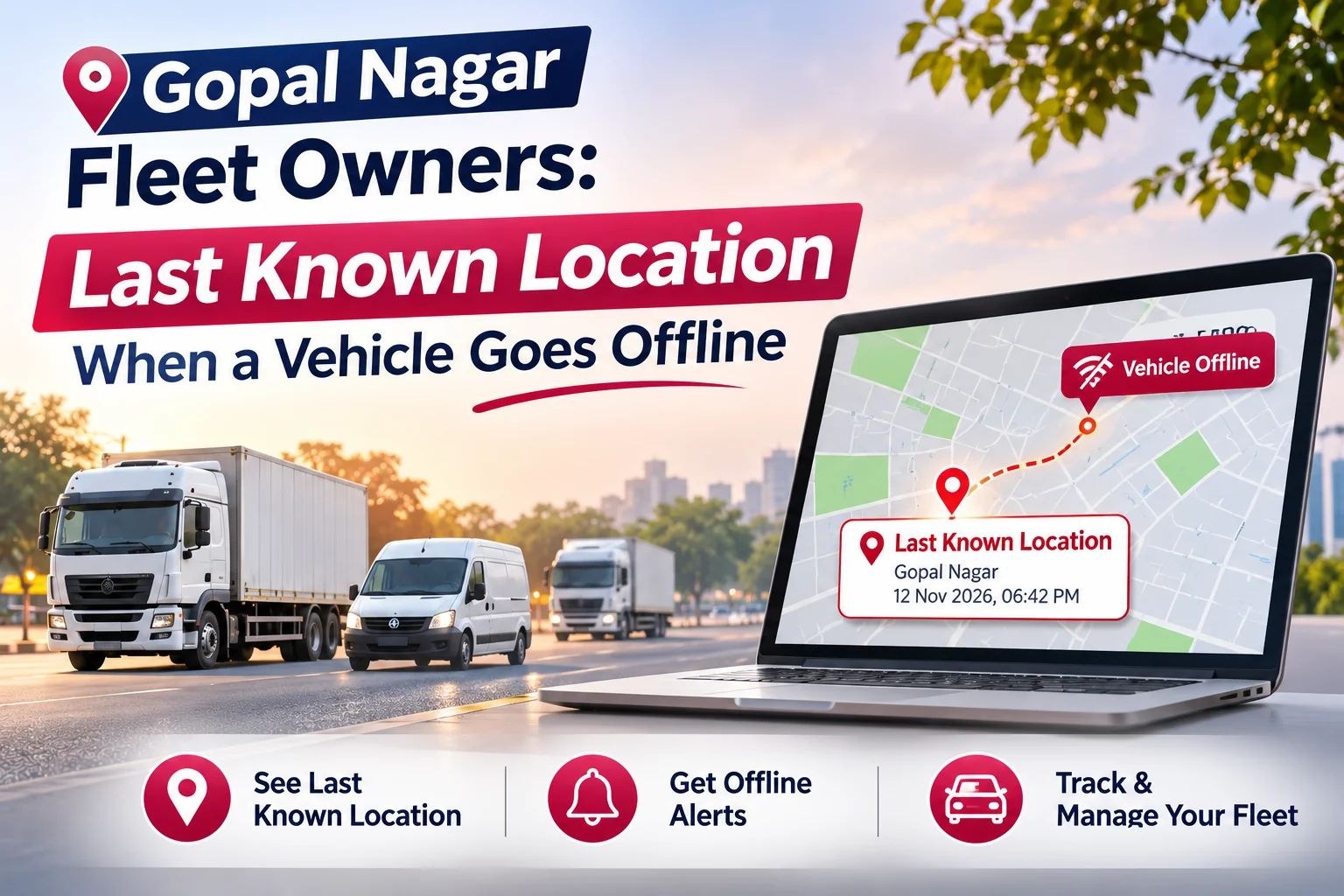
Gopal Nagar Fleet Owners: Last Known Location When a Vehicle Goes Offline
Last known location when a vehicle goes offline is the final position the device successfully reported before updates stopped, and it always carries a timestamp. That timestamp matters as much as the coordinates. A vehicle showing offline status has simply stopped reporting. The pin is where it was at its last successful fix, not where it is now. Reading that snapshot as an evidence trail, rather than a live position, keeps a routine check-in separate from a recovery response you cannot justify. This is a general explainer. It does not imply any verified partner, installer or local operational data for Gopal Nagar.
What offline status actually means on your screen
Offline status means the platform has stopped receiving updates from the device. Online and offline describe the connection between the tracking unit and the platform, not the state of the vehicle itself. That distinction is the whole argument of this article, so hold onto it.
A device can fall silent for several ordinary reasons. It may be sitting in a coverage pocket, such as a basement, a tunnel or a dense row of tall buildings. Its connection may have dropped and not yet reconnected. Its reporting may be paused by a setting or a depleted power supply. Only after those possibilities are set aside should theft or tampering enter the conversation.
The practical result is a gap in continuity. Live location, trip history, playback, geofence alerts and reporting all depend on incoming data, so an offline stretch leaves a hole in the record rather than a wrong entry. Knowing that the hole exists is more useful than guessing what fills it.
A fair question at this point is how much detail any platform should give you about an offline event. A platform that only greys out a marker leaves you to reconstruct what happened. A clearer platform view would show the last position, the time of that position, and whether the device is still reaching the network. When you compare options, treat that as a checklist item: offline status presented next to live location and geofence alerts in one view is easier to act on than an offline flag sitting alone.
What last known location tells you, and what it does not
Last known location tells you one thing with confidence: where the vehicle was when it last reported successfully. It also tells you when that report arrived, which is often the more useful half of the pair.
What it does not tell you is where the vehicle is now, whether it moved after that point, or what happened in between. A static last point, on its own, shows nothing about the vehicle's path since the fix. A truck that went offline mid-route and one parked overnight can produce the same kind of marker. The pin alone cannot separate them.
So do not read the marker as a present position. Do not treat it as proof of theft. And do not let it carry more weight than it can hold in a customer conversation. If the last fix is well behind the current time, telling a client the vehicle is at the gate is a guess dressed as a fact.
What fills the gap is context. Was the drop preceded by a normal geofence exit? What did the engine state show at the final update? Does the timestamp sit inside or outside the vehicle's usual working window? Individually these are small clues. Together they turn a single stale pin into something you can reason about, and that is the difference between a watch item and a real signal.
Coverage gaps versus device issues: telling them apart
The first task when a vehicle goes offline is to decide which kind of problem you are looking at. The pattern usually gives it away.
A coverage gap tracks the place. The same vehicles tend to vanish in the same corridors, the same yards or the same stretches of road, and they usually come back on their own once they leave that area. A device issue tracks the hardware. Dropouts cluster around particular units or batches and follow those devices wherever they go, not wherever the road goes.
| Signal | Leans toward coverage gap | Leans toward device issue |
|---|---|---|
| Where it happens | Same location or corridor each time | Same unit, any location |
| What comes next | Reconnects after leaving the area | Repeats or fails to reconnect |
| Spread across the fleet | Several vehicles in one place | One or two units, wherever they are |
| Sensible first step | Note the pattern and plan around it | Check the unit, its connection and its reporting setup |
Mixing the two up is how monitoring turns into noise. When every gap is treated as an emergency, operators learn to ignore the next alert, and the one that matters gets lost. When every gap is waved away, a genuine device fault or a real incident goes unchallenged.
There is also a middle case worth naming. If gaps appear only where your records need to stand up, such as compliance logs or proof of delivery, the gap itself becomes the exposure. At that point, reviewing supported device compatibility against your current installs helps you stop repeating the same failure across a fleet. Teams running several branches often keep offline status, heartbeat details and geofence alerts in one view through fleet management software so the decision does not depend on comparing screens.
A short checklist before you escalate
Before anyone calls a driver or sends a recovery team, work through these points in order. Each one narrows the picture without overstating what the data can prove.
Related Articles
AMPC Delivery Teams in New Delhi: Last Known Location When a Vehicle Goes Offline | F F C Okhla Delivery Fleets: Using Trip Playback to Reconcile Routes After a Dispute | GPS Controller for personal safety lone worker tracking 2026
Timestamp first, pin second. A fix from minutes ago is operational information. A fix from hours ago is a reason for a call, not a position to act on. Treat any specific time gap here as a guide, not a rule.
Network silence or satellite silence. If the device is still reaching the platform but has no fresh fix, the problem is likely where the vehicle is sitting, not where it is going.
One event or a pattern. A single dropout is a watch item. The same vehicles disappearing in the same corridor every working day is something you can plan around.
Match the context. If the engine was on at the final update and nothing reconnects near an unexpected area, the evidence supports a call to ask where the vehicle is, not an assumption that it was taken.
Respect the audit trail. Where the log proves trips or delivery times, a missing segment needs a documented reconnection and verification note, not a filled-in guess.
Write down what you concluded. Recording why you did or did not escalate turns each offline event into a small piece of evidence for next time.
Questions owners ask after a vehicle drops off
These come up again and again once a fleet sees its first grey marker. Here are straight answers, kept short.
Offline does not mean stolen. It means the platform lost contact with the device. Most gaps close on their own, and the sensible first step is to check the timestamp and the last known position before assuming anything worse.
How long a last known location stays useful depends on how you use it. As a rough reference for a likely area, older pins still help. As a statement to a customer, a pin from hours ago is too weak to stand on.
Escalate when the context is unusual, not when the marker is grey. An offline unit whose last update showed the engine running, in an area the vehicle should not be, with no reconnection, deserves a call. A routine dropout in a known coverage pocket usually does not.
Between a platform that shows only an offline flag and one that shows last position, timestamp and heartbeat together, the second gives you more to reason with. No brand or price comparison is needed to see why.
Your next practical step is simple: write down your own thresholds for a watch item versus an escalation, then check whether your current platform view gives you the timestamp and context to apply them.
Ready to Put This Into Practice for Your Fleet?
GPS Controller supplies commercial 4G GPS trackers, fuel sensors, AI dashcams, cloud tracking software (Web, Android & iOS), and turnkey white-label reseller platforms.
Telematics & fleet technology team at GPS Controller (Sector 62, Noida, India), publishing technical guides on commercial GPS hardware, fuel monitoring, cloud fleet software, and white-label GPS platforms.
Related Telematics Guides
GPS Signal Delay Causing Fleet Tracking Failure
GPS Signal Delay Causing Fleet Tracking Failure GPS signal delay in dense urban areas and under heavy canopy cover causes fleet tracking failure by producing stale location data that does not reflect actual vehicle positions. For connected...
GPS Controller IDC AI spend 1.3 trillion 2029 fleet management core segment 2026
GPS Controller IDC AI spend 1.3 trillion 2029 fleet management core segment 2026 Fleet management in 2026 is the core segment staring down real consequences from the projected $1.3 trillion global AI spend by 2029. GPS signal delay—from inc...
GPS Controller free trial no contract setup in 10 minutes India 2026
GPS Controller free trial no contract setup in 10 minutes India 2026 Fleet managers across India are turning to the GPS Controller free trial no contract setup in 10 minutes India 2026 offer to resolve last-mile connectivity gaps without lo...
GPS Controller Real Time Ignition Engine Hours Total Movement Dashboard 2026
GPS Controller Real Time Ignition Engine Hours Total Movement Dashboard 2026 Operators relying on a GPS Controller real time dashboard for ignition engine hours compared to total movement data in 2026 are encountering persistent tracking fa...