
Najafgarh Fleet Owners: Using Trip Playback to Reconcile Routes After a Dispute
Trip playback shows what the recorded trip says happened: when the vehicle started, where it stopped, which route it took, and the timing of each step. That is the practical outcom
Najafgarh Fleet Owners: Using Trip Playback to Reconcile Routes After a Dispute school
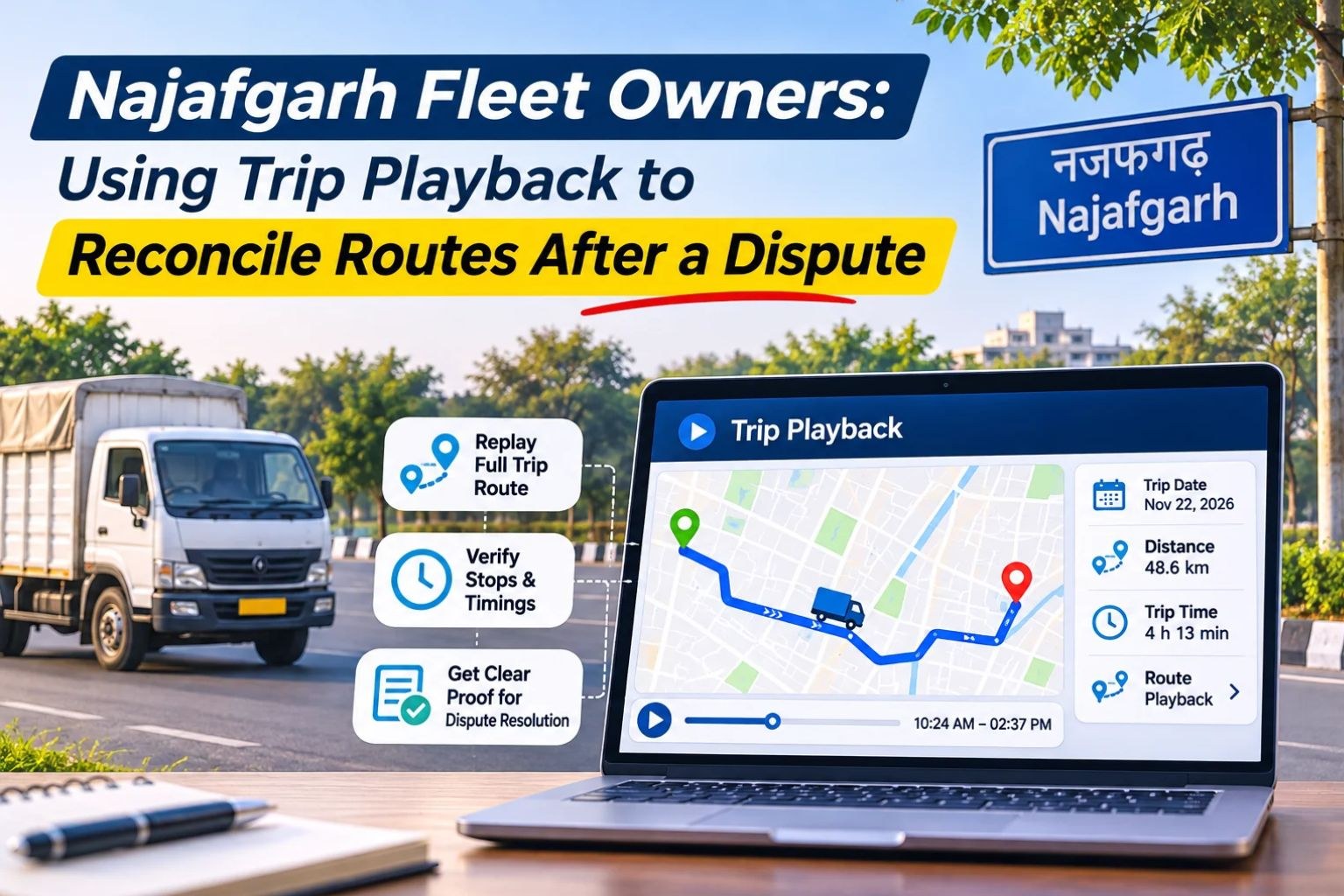
Trip playback shows what the recorded trip says happened: when the vehicle started, where it stopped, which route it took, and the timing of each step. That is the practical outcome for a fleet owner in Najafgarh who needs to answer a delivery complaint without guessing. It is a reconciliation record of movement and time. It does not prove fault, and it does not replace your agreement with the customer. Pull the record first, then talk.
What trip playback shows when a customer disputes delivery
A playback view is a timeline, not just a dot on a map. It lays out the departure, each stop with how long the vehicle stayed, the path driven between stops, and the arrival time at the boundary that marks the customer's address. When a customer says the van never came, the useful parts are the arrival time, the time spent inside the boundary, and the exit time. Those three answer most questions without argument. One thing to check before you quote anything: how often your device actually reports. A slow reporting cycle can make a vehicle look like it passed a stop it truly halted at, so know your device's rhythm before treating a thin trace as proof. If the customer's gate falls just outside a loosely drawn boundary, arrival may register a street away. Confirm the boundary first. If you want the wider picture of how these views fit together, the GPS tracking workflow is worth reading before you assume how a record behaves.
Rebuilding a delivery timeline after a customer complaint
Start with the plate, the date, and the customer. Then work forward: departure, first stop, the stop you believe was the delivery, and the return. Write the times down as you read them, because a timeline you can repeat is worth more than a screenshot someone has to interpret. There is a workflow gap that catches small operators: the person who takes the customer's call is often not the person who can read playback. Keep the record in a form you can share, so the answer does not wait on a dispatcher being free.
Gaps deserve care. A gap in the trace can come from a tunnel, a basement unloading bay, or a device that lost network while still moving. Read a gap as a gap, not as proof the vehicle was absent. Idle and stoppage patterns alongside the trip often tell you whether a quiet stretch was a dead zone or a parked engine.
Comparing the planned route with the actual route
A simple four-part comparison does the job without any special tool. Line up departure and arrival times against what was planned. Line up planned stops against actual stops. Note any deviation from the expected path. Note idle or stoppage periods that stretched longer than expected. Keep it neutral: a deviation is a fact to explain, not a fault to assign. Drivers divert for road closures, loading queues, and one-way changes, and a playback record will show the diversion without showing the reason. Pair the trace with your own loading sheet or gate register before you draw a conclusion, and treat the trace as evidence of movement and time only.
Keeping a simple record for future disputes
The easiest disputes to settle are the ones you already wrote down. Keep one short note per trip that matters: date, vehicle, driver, planned route, recorded stops, and timings. Store it where the person answering the phone can reach it. Set a retention window long enough to cover your longest claim cycle, and check that older trips are still readable when you need them. If disputes start arriving as formal claims or audits, playback alone stops being enough. At that point you need consistent records and a written trail of who changed what and when.
Practical checks before you reply to the customer
Confirm the vehicle clock and the dispatch clock agree before you quote any time from the record.
Look for arrival, dwell, and exit together. If you only see a passing point, check the boundary before drawing a conclusion.
Match the trace against network coverage and known dead zones on that route before reading a gap as absence.
As an illustration only: a customer calls a day or two later and the driver says he stopped. Walk the timeline, then send the written summary rather than a map image.
Fix loose boundaries and reporting cycles when disputes are rare. Rebuild your record-keeping when they repeat across many vehicles.
Before you commit to any tracking setup, collect your requirements and verify what a provider actually offers for trip history, stop detail, and record sharing.
Ready to Put This Into Practice for Your Fleet?
GPS Controller supplies commercial 4G GPS trackers, fuel sensors, AI dashcams, cloud tracking software (Web, Android & iOS), and turnkey white-label reseller platforms.
Telematics & fleet technology team at GPS Controller (Sector 62, Noida, India), publishing technical guides on commercial GPS hardware, fuel monitoring, cloud fleet software, and white-label GPS platforms.
Related Telematics Guides
GPS Signal Delay Causing Fleet Tracking Failure
GPS Signal Delay Causing Fleet Tracking Failure GPS signal delay in dense urban areas and under heavy canopy cover causes fleet tracking failure by producing stale location data that does not reflect actual vehicle positions. For connected...
GPS Controller IDC AI spend 1.3 trillion 2029 fleet management core segment 2026
GPS Controller IDC AI spend 1.3 trillion 2029 fleet management core segment 2026 Fleet management in 2026 is the core segment staring down real consequences from the projected $1.3 trillion global AI spend by 2029. GPS signal delay—from inc...
GPS Controller free trial no contract setup in 10 minutes India 2026
GPS Controller free trial no contract setup in 10 minutes India 2026 Fleet managers across India are turning to the GPS Controller free trial no contract setup in 10 minutes India 2026 offer to resolve last-mile connectivity gaps without lo...
GPS Controller Real Time Ignition Engine Hours Total Movement Dashboard 2026
GPS Controller Real Time Ignition Engine Hours Total Movement Dashboard 2026 Operators relying on a GPS Controller real time dashboard for ignition engine hours compared to total movement data in 2026 are encountering persistent tracking fa...